Thursday, April 29, 2010

Thumbnails


Thumbnails are reduced-size versions of pictures, used to help in recognizing and organizing them

Thesaurus


a book containing a classified list of synonyms

Template


a model or standard for making comparisons

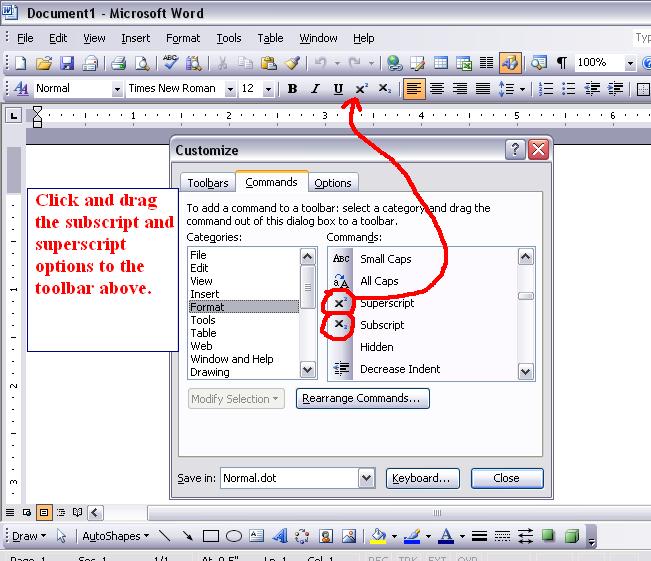
Superscript


character or symbol set or printed or written above and immediately to one side of another character

Style

a particular kind (as to appearance)

Sizing Handle


Also known as a handle, sizing grip, or resize corner, the sizing handle is a graphical indicator in a Graphical User Interface that allows users to click and drag on the indicator to resize the object.

Header


a line of text serving to indicate what the passage below it is about

Hard column break


To start a new line after clicking enter on your keyboard on anyway document writing software

Graphics


photographs or other visual representations in a printed publication

Footnote


a printed note placed below the text on a printed page

Footer


Text printed at the bottom of a sales draft. A merchant can customize the footer

Endnote


Software tool for publishing and managing bibliographies.

Drawing objects


Tools to help you sketch, plan, or outline

Drawing canvas


A page which is made for drawing or sketching

Desktop publishing


the use of microcomputers with graphics capacity to produce printed materials

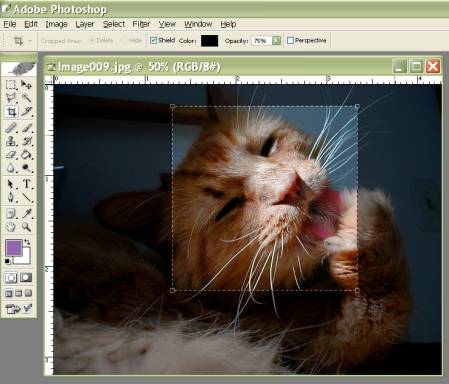
Crop


Refers to the removal of the outer parts of an image to improve framing, accentuate subject matter or change aspect ratio.

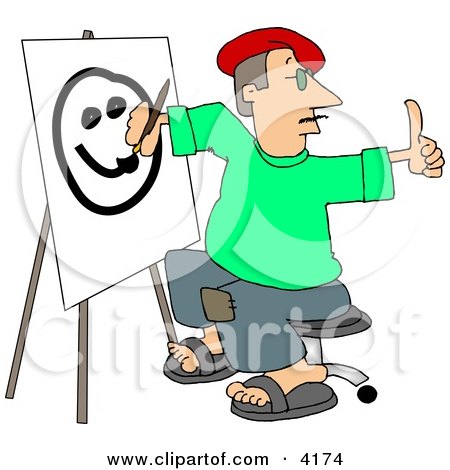
Clip art


ready-made pieces of computerized graphic art that can be used to decorate a document

Wednesday, April 28, 2010

Banner

A long strip of cloth or paper used for decoration or advertising

Friday, April 16, 2010

Insert Tab

From the insert tab you can access

-Cover Page
-Blank Page
-Page Break
-Table
-Picture
-Clip Art
-Shapes
-Smart Art
-Chart
-Hyperlink
-Bookmark
-Cross-Reference
-Header
-Footer
-Page Number
-Text Box
-Quick Parts
-Word Art
-Drop Cap
-Signature Line
-Date & Time
-Object
-Equation
-Symbol

Friday, April 2, 2010

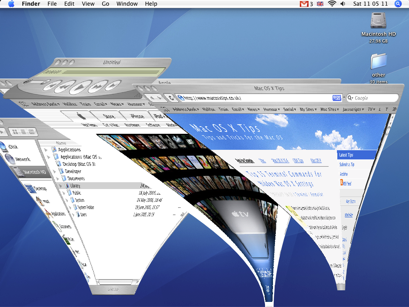
Window


A rectangular part of a computer screen that contains a display different from the rest of the screen

Toolbar


a panel on which onscreen buttons, icons, menus or other input or output elements are placed

Title Bar


a horizontal label at the top of a window, bearing the name of the currently active document

Taskbar


Is a term for an aplication

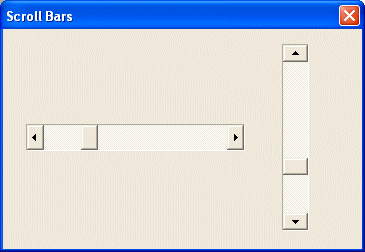
Scroll Bar


Moves the window up down or left to right

Restore


Return to its original or usable and functioning condition

Pointing Device


A mouse, touchpad, trackball, or other device used for positioning the cursor on a computer screen.

Minimize


To make as small as posible

Menu Bar


The start bar which the menu open ups from

Menu


A list of options available to a computer user

To make as big as posible

Icon


A small pictogram which is a shortcut to a program

Folder


A folder is where you can save things but those things can be sorted out

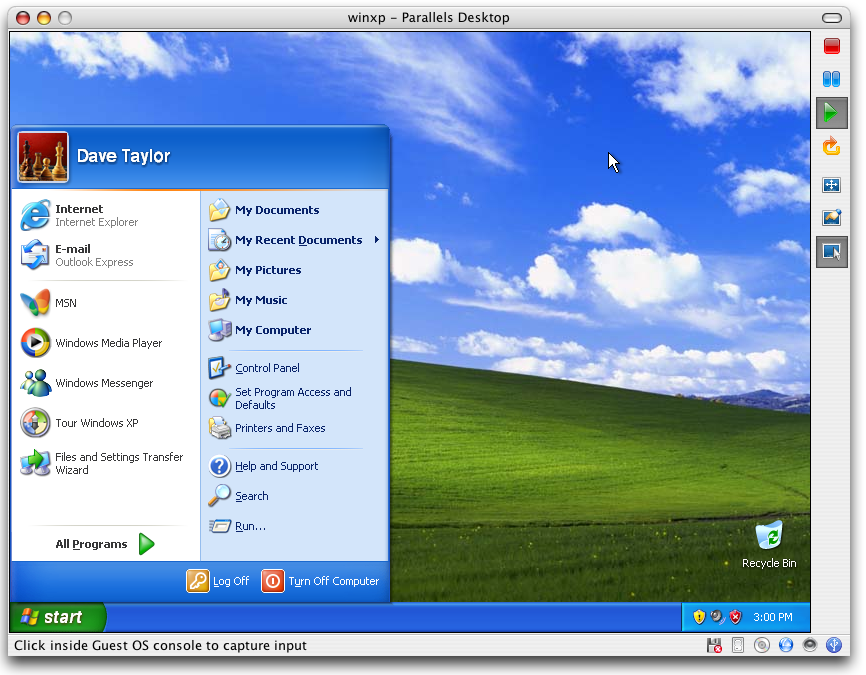
Desktop


The area of the screen in graphical user interfaces against which icons and windows appear